Nizlights
New elf
- Joined
- Nov 15, 2020
- Messages
- 3
Hi all,
I did a very small show 5 years ago and started doing it again this year. All my props are ready and sequence is done.
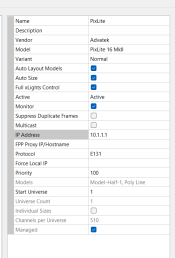
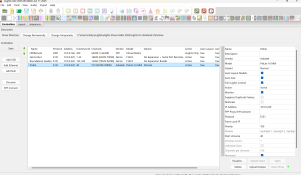
Tried for about 4 days to connect my Pixlite 16 via Advatek to Xlights and I seem to be going backwards.
I ended up deleting all controllers off Xlights and re connecting the controller to Advatek using a cable static IP address.
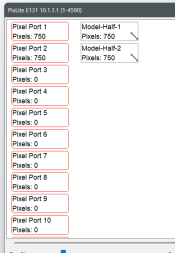
No matter what I do, Xlights wont discover my Pixlite. Do I have to add 16 individual controllers on Xlights to control 16 different ports ?
Any help and guidance is appreciated.
I did a very small show 5 years ago and started doing it again this year. All my props are ready and sequence is done.
Tried for about 4 days to connect my Pixlite 16 via Advatek to Xlights and I seem to be going backwards.
I ended up deleting all controllers off Xlights and re connecting the controller to Advatek using a cable static IP address.
No matter what I do, Xlights wont discover my Pixlite. Do I have to add 16 individual controllers on Xlights to control 16 different ports ?
Any help and guidance is appreciated.