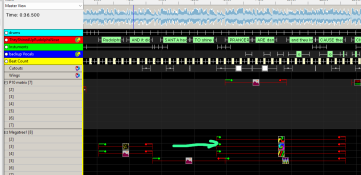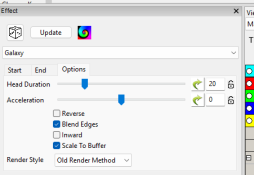

I grabbed Xlights 2026.12 this morning as it had a few good things in it and a bunch of bug fixes. The bits that I tested out worked well but when I did a render to have a look at my changes the sequence that I was working on took 480s to render. A few quick changes and it took a further 480s to re-render. I rolled back to 2026.11 (which had issues with being able to expand groups etc) and the sequence rendered in 19s.
I've submitted a github bug report including the sequence I was working with.
The results may vary depending on your computer and OS but beware that there is the potential for an issue to be lurking that causes a 20:1 blowout in the rendering time.
I've submitted a github bug report including the sequence I was working with.
The results may vary depending on your computer and OS but beware that there is the potential for an issue to be lurking that causes a 20:1 blowout in the rendering time.