- Joined
- Jan 8, 2026
- Messages
- 71
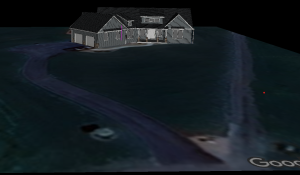
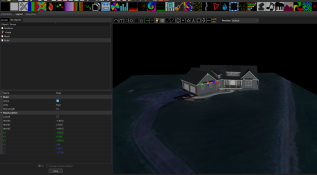
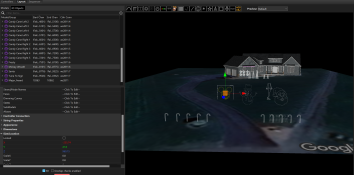
I've been tinkering with xLights for a while now, but yesterday I was finally able to get my .obj for the house and insert it on the grid.
Looking for some feedback from you guys on what else would you setup before you start importing props and setting up sequences? I don't have any trees in my front yard, but there are 2 driveways (one on the left that goes to the garage, another on the right that angles away and runs to my barn+stable). Is there anything else you would recommend I do before populating the canvas?
Thanks guys!
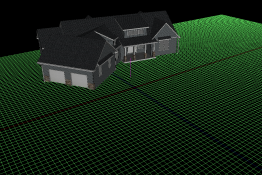
Looking for some feedback from you guys on what else would you setup before you start importing props and setting up sequences? I don't have any trees in my front yard, but there are 2 driveways (one on the left that goes to the garage, another on the right that angles away and runs to my barn+stable). Is there anything else you would recommend I do before populating the canvas?
Thanks guys!

 )
)