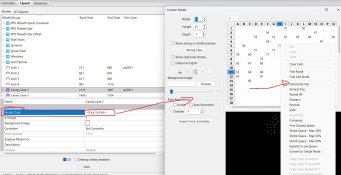
Already done. I noticed that if I change the dimensions on the first of a set of props and then select all of them, right click, and match them to size... it auto-updates all the props to match. That made changing the candy canes very easy.
@Cranzy - I flipped them by using 180 degree on the Y axis in the model data
So like this on Model data.