

I am testing actual lights on models and setting up controllers. I have hinkspix pro and my mini tree is connected to port 1. I run test in xlights and works great. I set up another mini tree to port 2 and can't get it to work. I pushed the test button inside the receiver and both light up. I go into hinks pix web page and try to test and only the tree connected to port 1 lights up. Missing something simple I am sure. Here are some screens hots. The pic with the red lines are the 2 trees im setting up. I've attached configuration for each tree. If I manually hit test button in receiver both light up. When I test on web page, only the port 1 tree works as well as in xlights
Navigation
Install the app
How to install the app on iOS
Follow along with the video below to see how to install our site as a web app on your home screen.
Note: This feature may not be available in some browsers.
More options
You are using an out of date browser. It may not display this or other websites correctly.
You should upgrade or use an alternative browser.
You should upgrade or use an alternative browser.
Testing lights
- Thread starter goob
- Start date
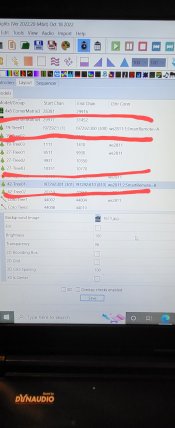
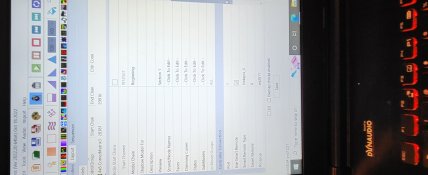
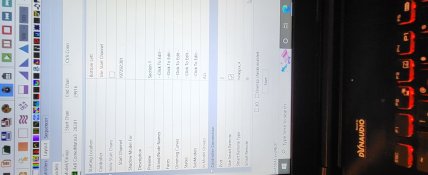
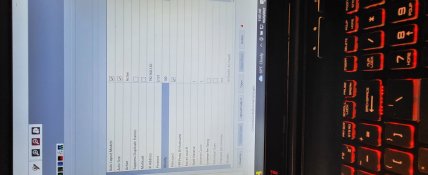
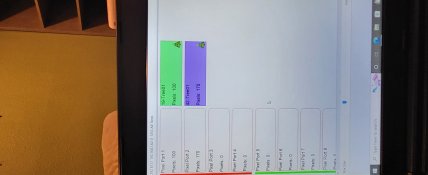
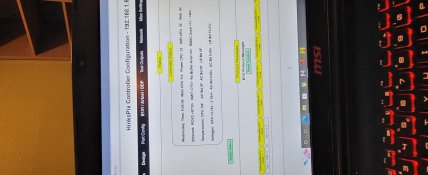
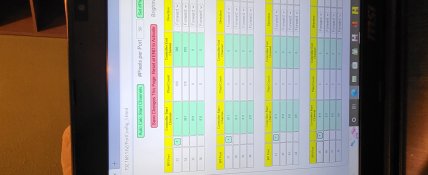
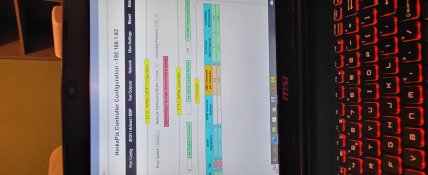
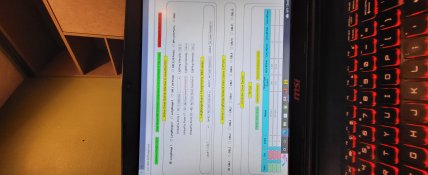
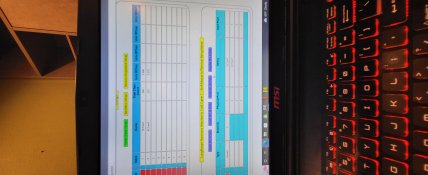

Are you using one smart remote? So you have 1 smart receiver, unit ID set to A?
You have port 1 A (which makes sense), but then it ought to be 2A for port 2 on the same receiver (but you have it on B).
You have port 1 A (which makes sense), but then it ought to be 2A for port 2 on the same receiver (but you have it on B).
You're also showing SPI port 33, which I don't follow, and using the controller Design tab, which I would avoid.
Upload config from xLights.
Do be sure you have latest hinks firmware. The old doesn't fully accept the configs from the latest xlights... it doesn't transfer the input universes over.